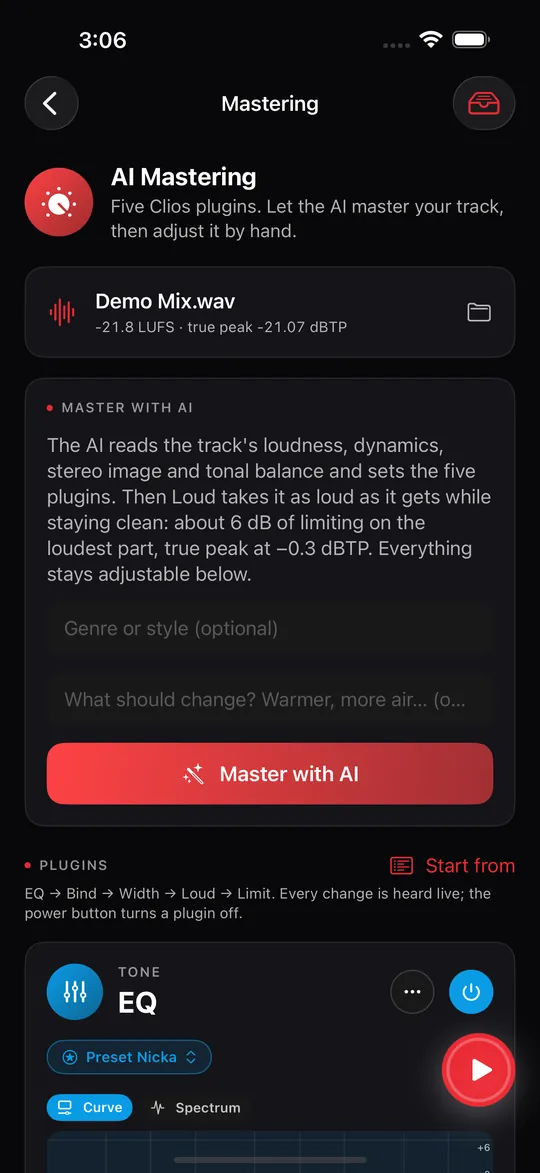
Master with AI
One tap sets the whole chain. The rest stays in your hands.
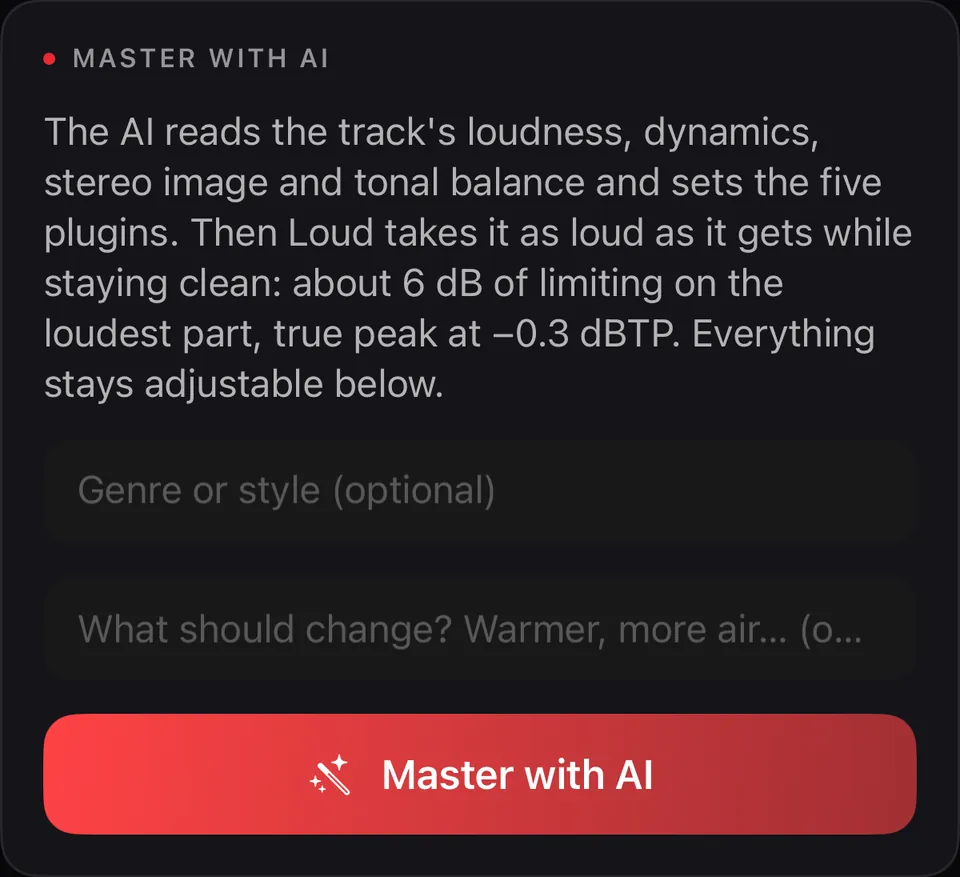
The AI reads your track and sets the five plugins
Loudness, dynamics, stereo image and tonal balance: the AI measures the track and sets EQ, Bind, Width, Loud and Limit for it. Then Loud takes it as loud as it gets while staying clean, with a true-peak ceiling at −0.3 dBTP. Everything stays adjustable below.
Tell it the genre or style, or what should change (“warmer”, “more air”), and it takes that into account. Or skip it.
- Never the audio: only the track’s measurements are sent, as numbers. The track itself stays on your device.
- Not in the mood for AI? Start from a preset, or set every plugin yourself.
Five Clios plugins, in the order the AI sets them
Clios is the family of audio tools Traian has been building alongside Prompt Maschine. These five ship inside 1.5. Every change is heard live, and the power button turns a plugin off.
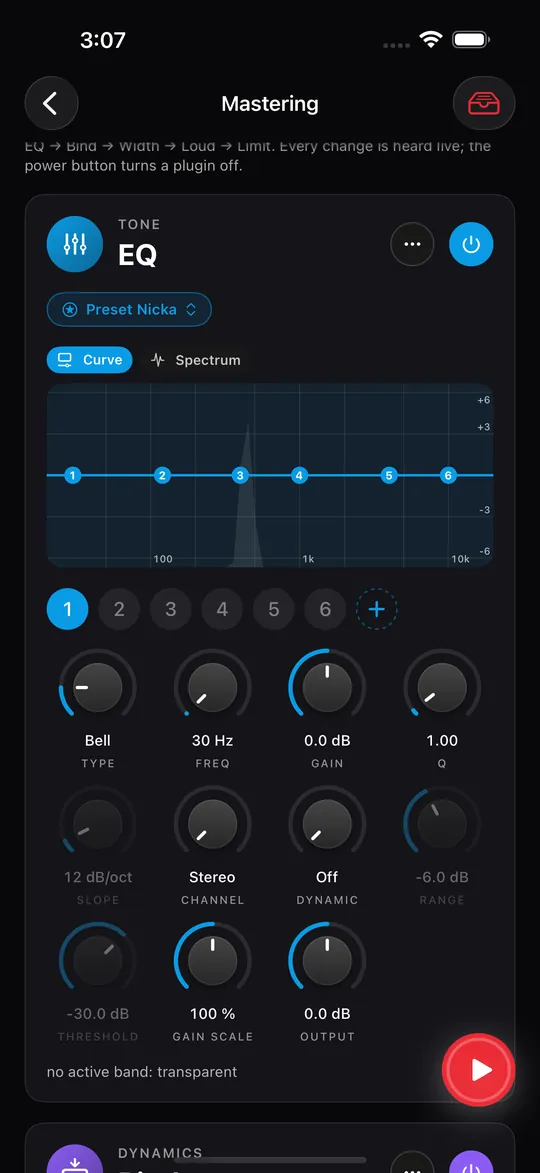
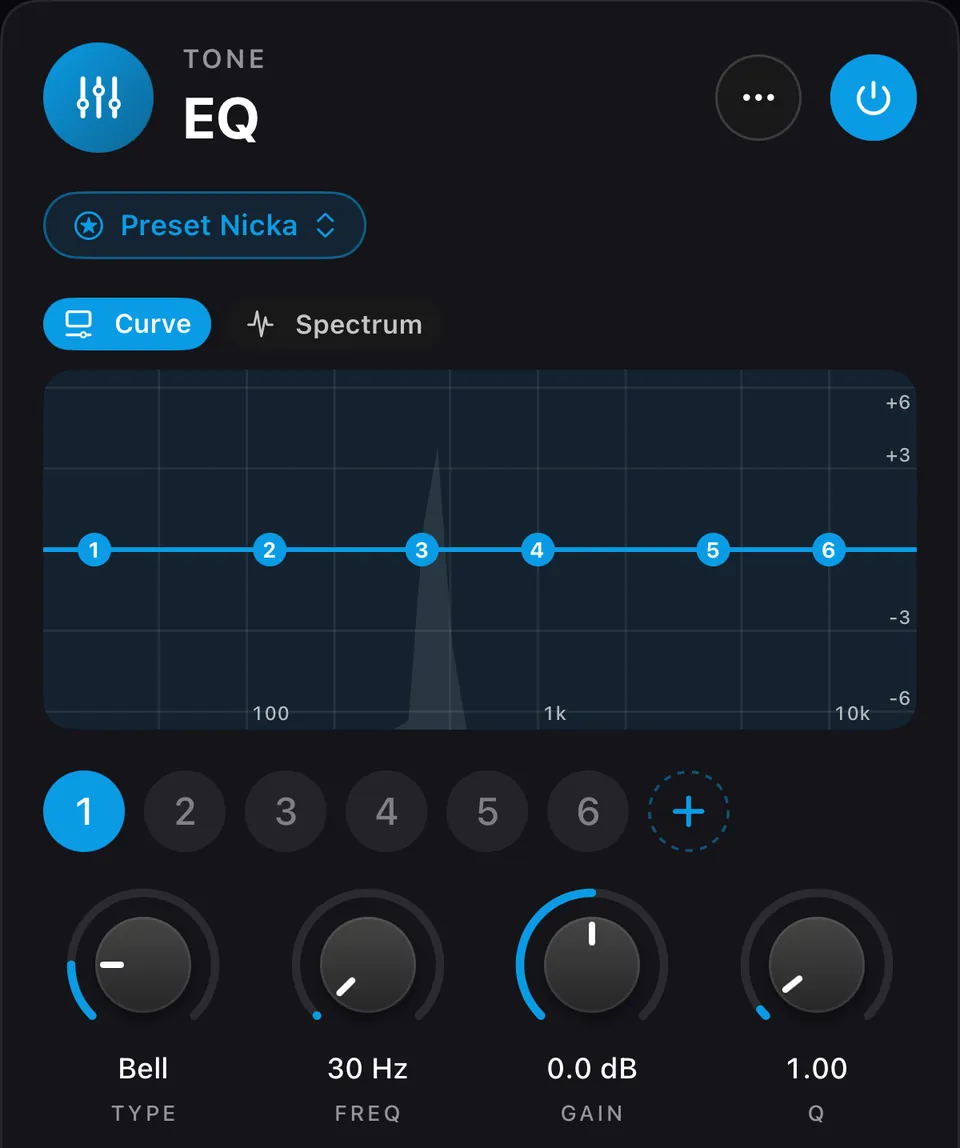 01Clios EQ24-band dynamic equalizer
Bells, shelves, cuts and notches; bell and shelf bands can respond to level. Start from the AI’s curve or set your own.
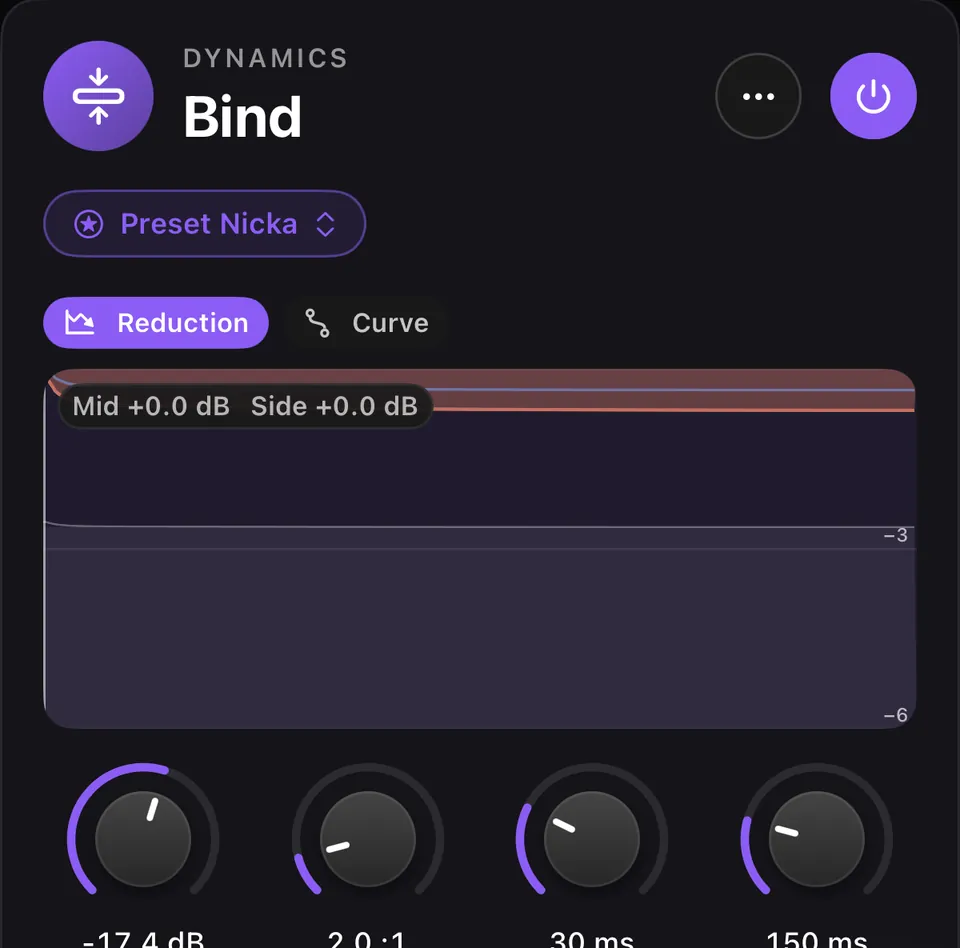 02Clios BindMid/Side glue compressor
A restrained compressor that joins the mix without flattening its movement, with a limit on how much it reduces.
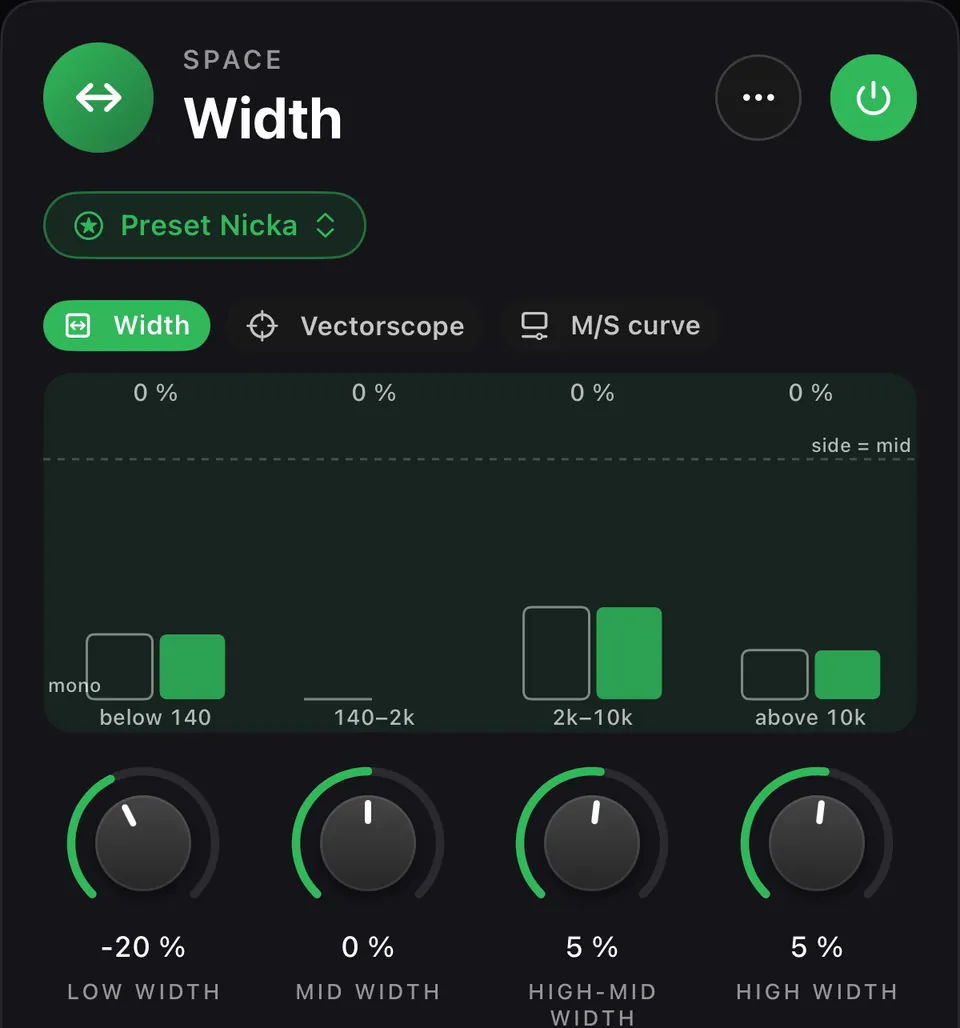 03Clios WidthMultiband stereo width
Stereo width set separately in four frequency regions, so the deepest bass can stay in the centre.
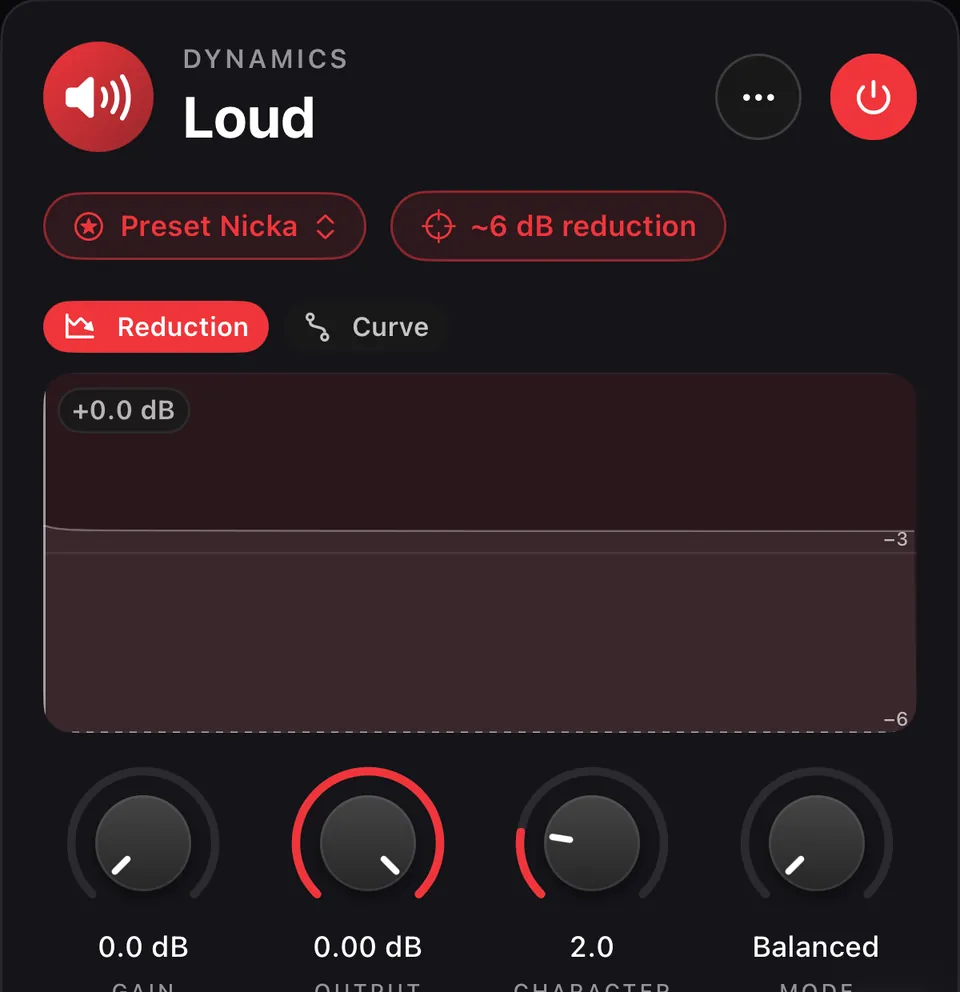 04Clios LoudMastering maximizer
The main loudness stage. When the AI sets it: about 6 dB of limiting on the loudest part, in Balanced or Clipping mode.
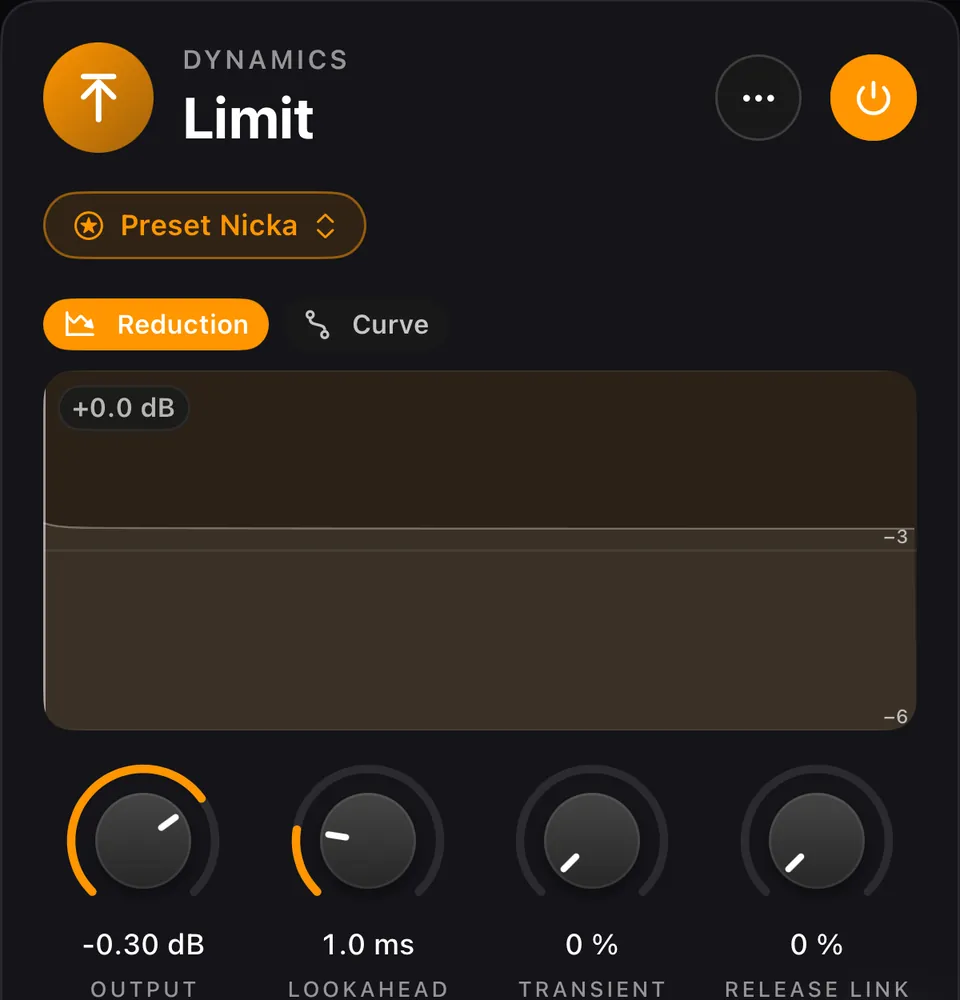 05Clios LimitTrue-peak limiter
Catches inter-sample peaks and sets the final ceiling: −0.3 dBTP when the AI sets it.
Listen. Save. Share.
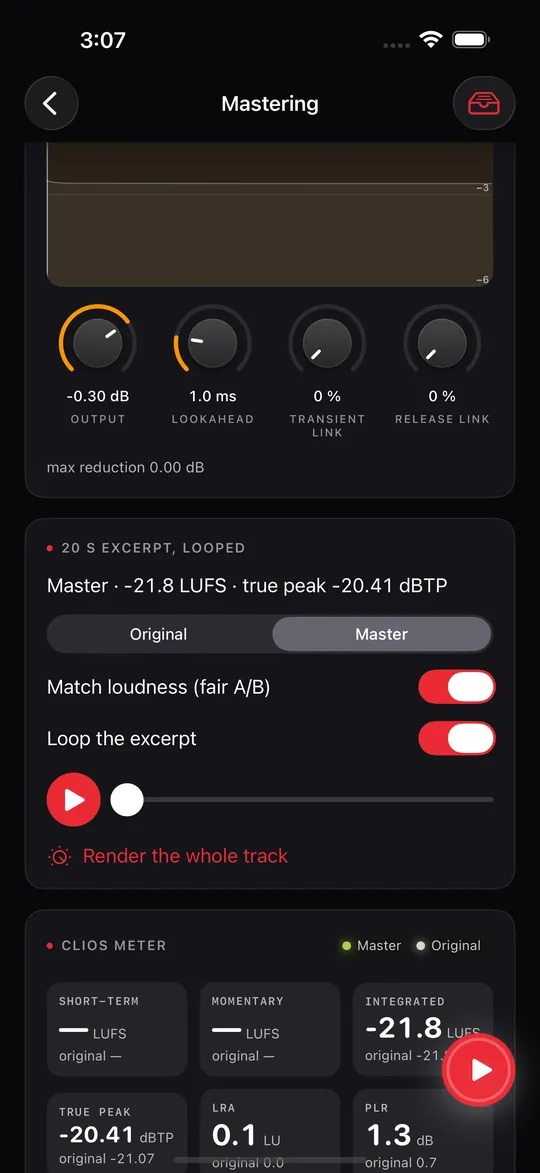
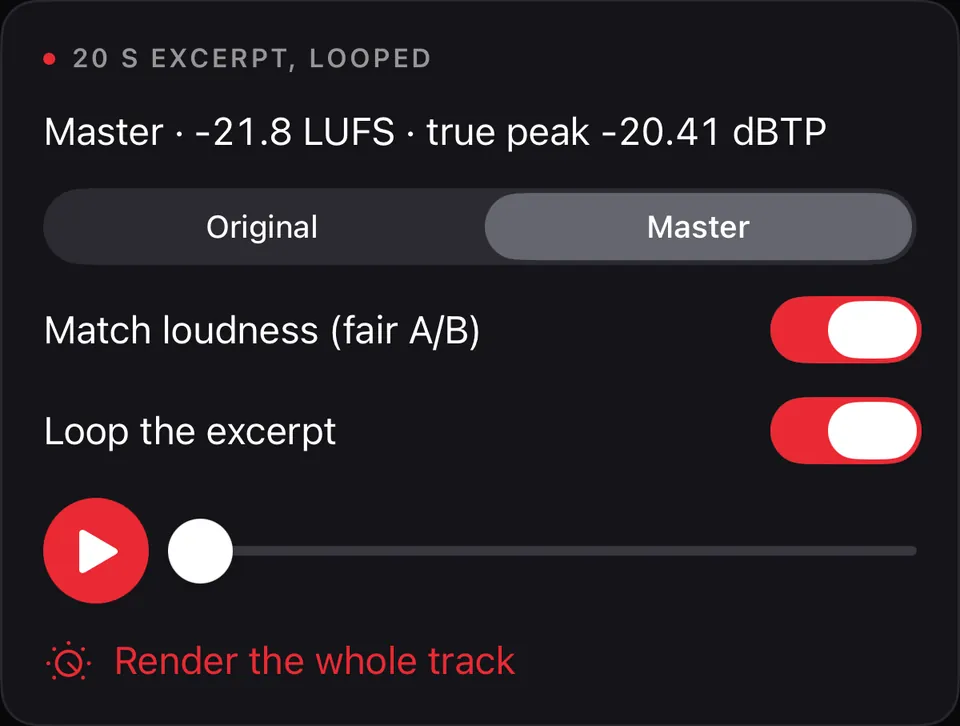
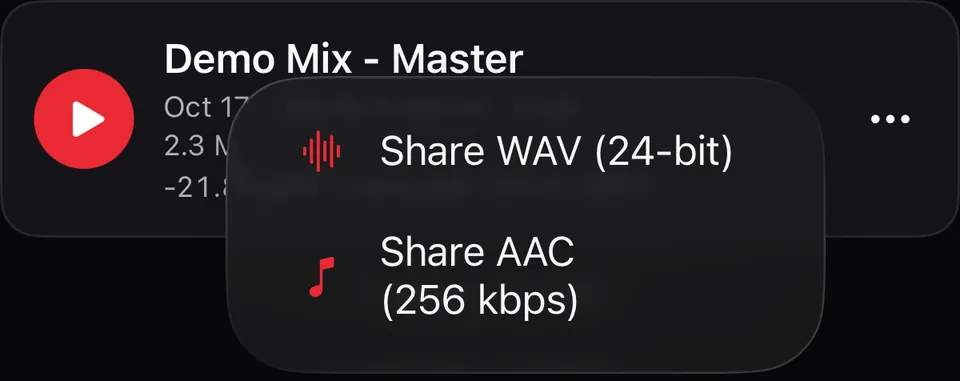
Judge the sound, not the volume: original and master at matched loudness, then render and save.
The Clios Meter
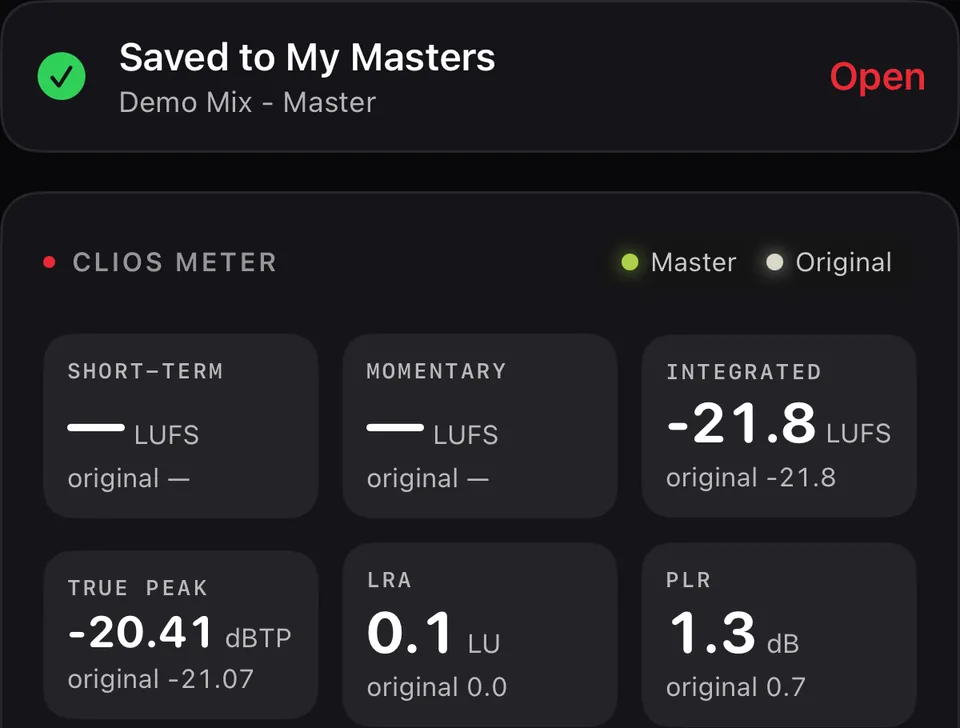
Numbers you can check, for the master and the original.
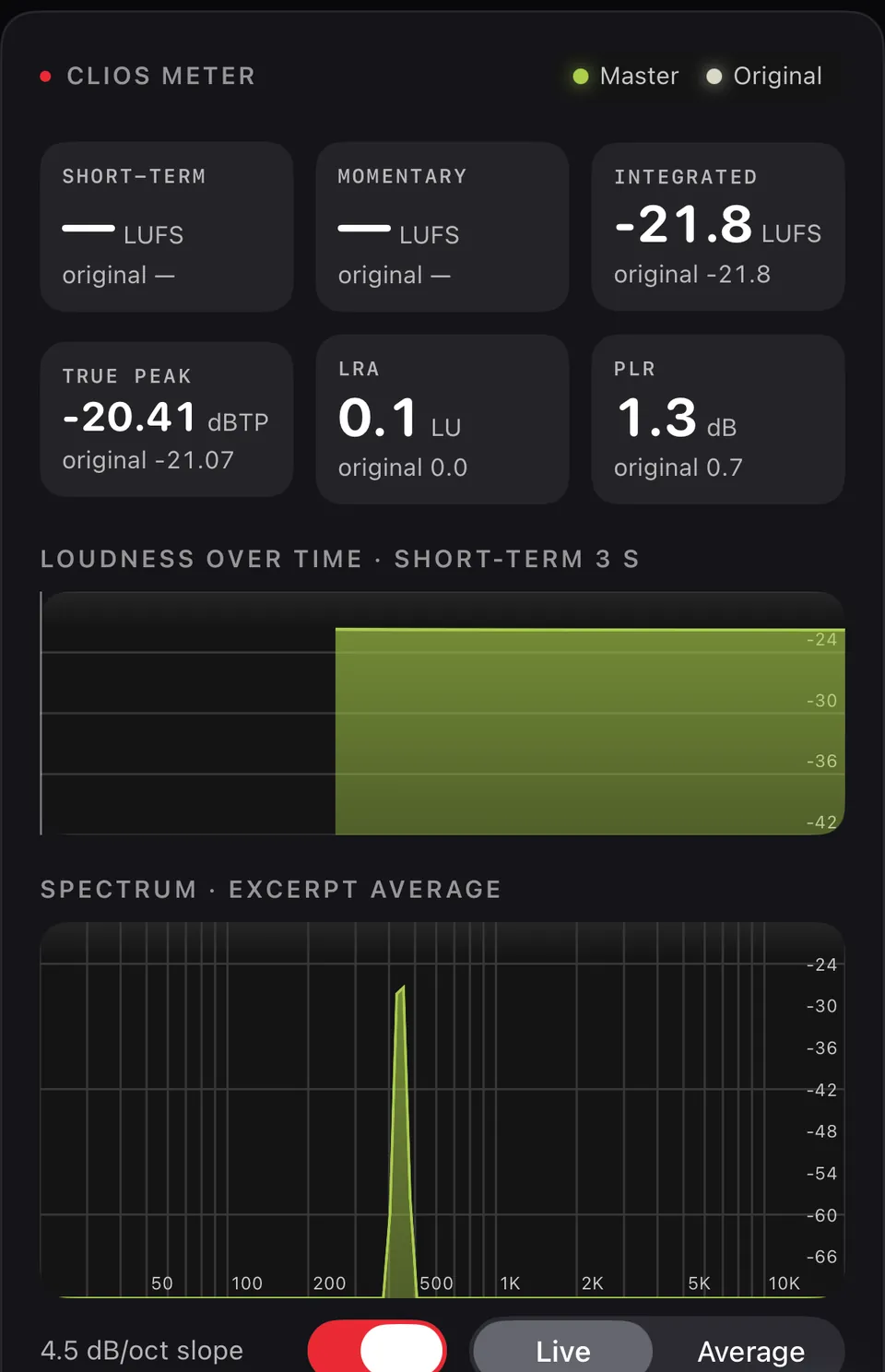
Loudness, peaks and spectrum, side by side
Short-term, momentary and integrated loudness in LUFS, true peak, loudness range and PLR, each with the original’s value underneath. Loudness over time and the spectrum show what the chain did, and the correlation meter helps you spot phase issues before checking mono playback.
Live while you listen, averaged over the whole track once you render it.
Questions
Can I master a song I made in Suno?
Yes. Download the track from Suno, bring it into Prompt Maschine and tap Master with AI. It works with any finished track, from Suno, Udio or your own session.
When does 1.5 ship?
The release date will be announced here and by email. Join the waitlist below for the announcement.
Which devices?
AI Mastering comes to iPhone, iPad and Mac first. Android will be announced with the release.
Is it free?
Coming in version 1.5 on Apple devices: Free includes 1 AI master per day, separate from the writing allowance; PRO includes unlimited AI masters. Manual use of EQ, Bind, Width, Loud and Limit, the meter, and WAV or AAC export are included on both plans. The release date will be announced.
Does mastering change my song?
No. Mastering adjusts level, tone, dynamics and the peak ceiling of your finished track. It does not rewrite the lyrics, the arrangement or the performance.
Is my track uploaded?
No. Master with AI sends the track’s measurements as numbers, plus the optional genre and notes, to the Prompt Maschine server and on to the AI providers. The audio itself stays on your device. You are asked for permission before the first request, and the plugins and export work without it.
Be first to hear when 1.5 ships.
One email when AI Mastering arrives in Prompt Maschine, plus the occasional update on new features. No spam, unsubscribe anytime.
Prompt Maschine 1.4 is out now on the App Store and Google Play. Write the song today; master it in 1.5.